

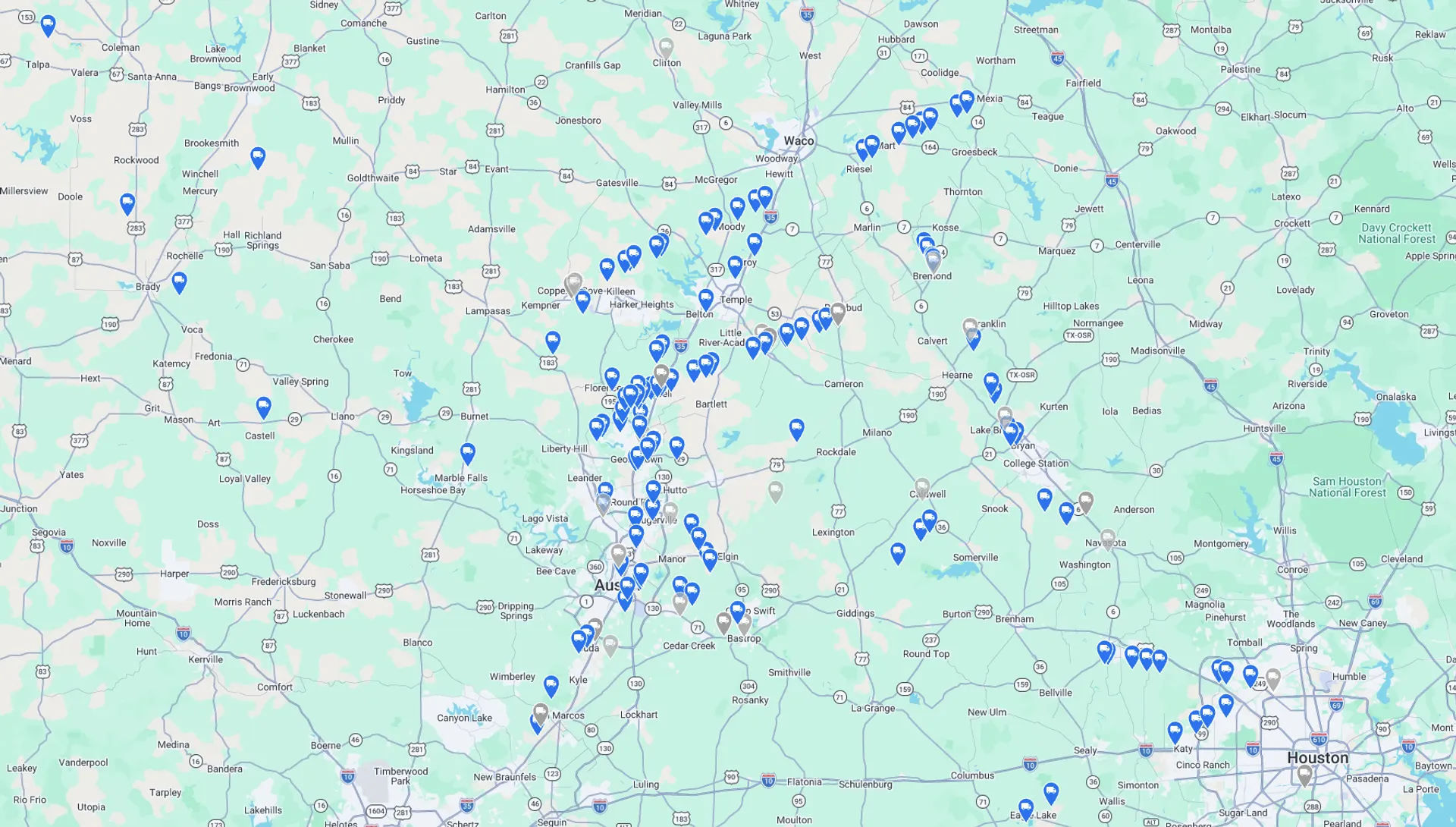
Map data © 2026 Google
For Brokers
Broker Dispatch and Accounting Software
Run Jobs, dispatch trucks, process tickets, invoice Customers and pay Vendors using Quarry Connect Software.
Quarry Connect Software sets up Customer Jobs and rates, sends Jobs to Drivers on the free Quarry Connect Driver App, reads tickets with AI, and creates Customer invoices and Vendor bills, with QuickBooks® Online sync.
Jobs and rates
This software was built for the aggregate hauling industry. Set up Customer Jobs with freight, materials, fuel surcharges, dump fees, wait time and tolls. Customer prices and Vendor pay rates can change over time, using effective start and end dates on the Job.
Dispatch and tickets
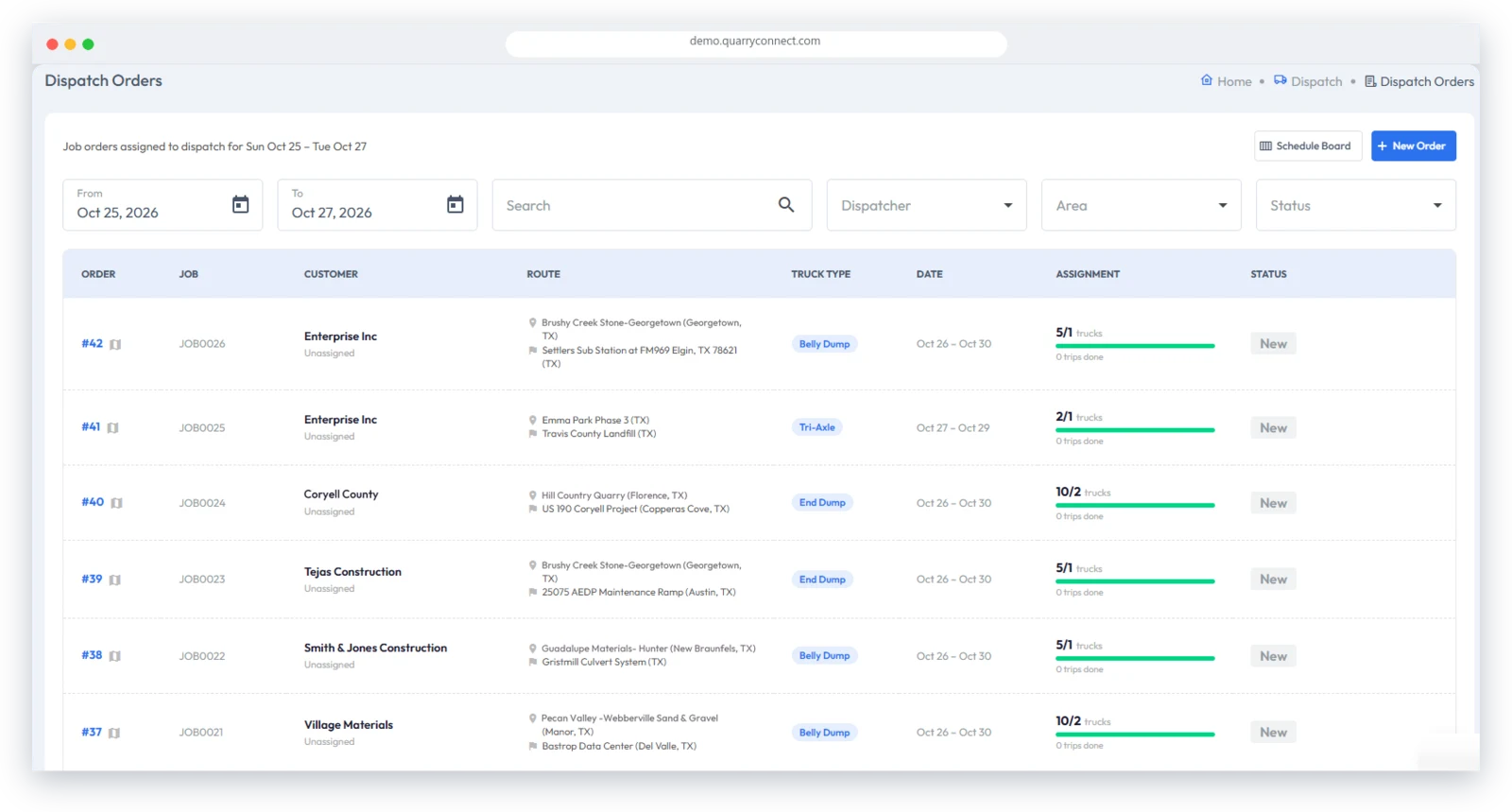
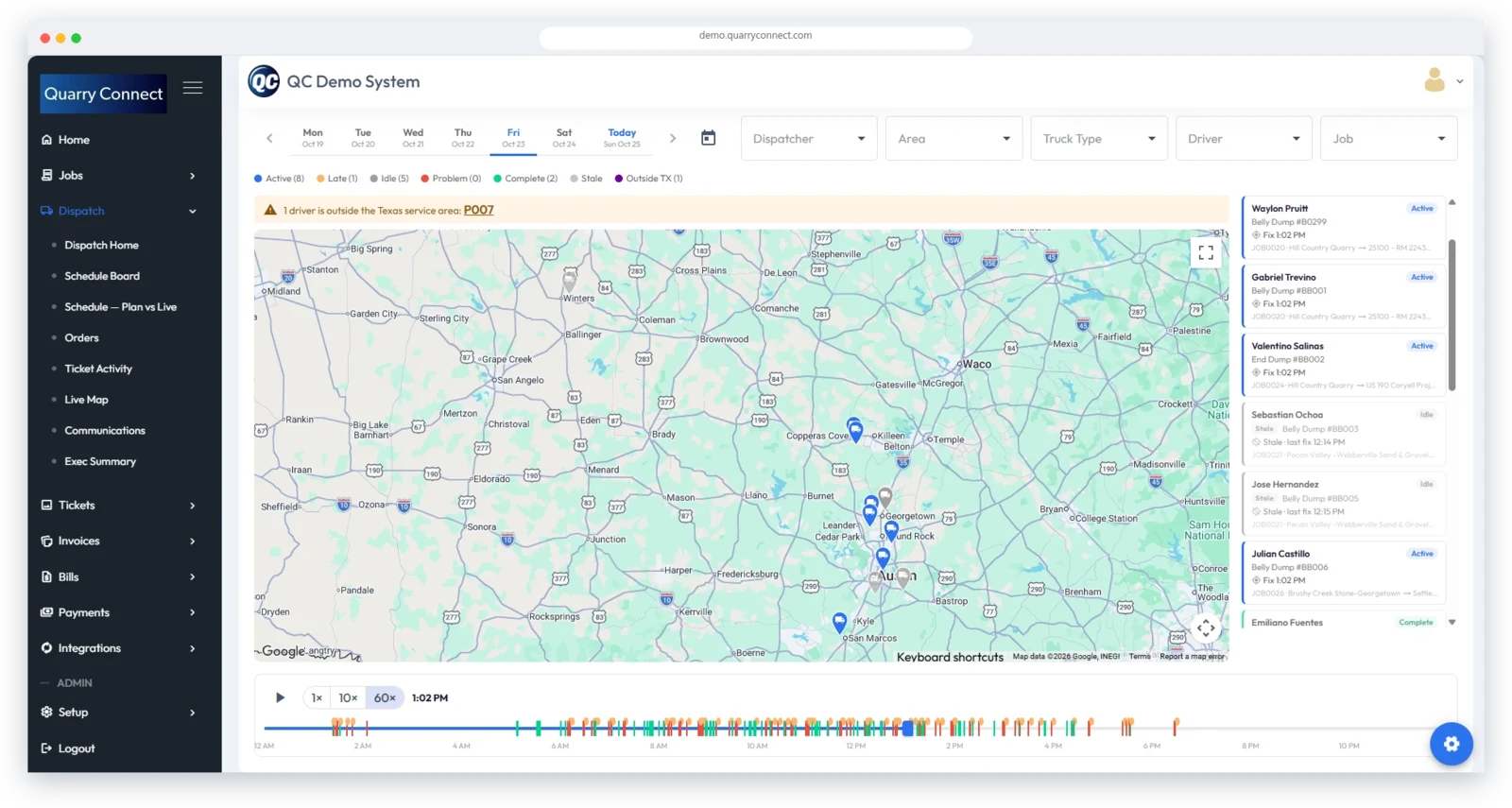
Quarry Connect Software has an integrated dispatch system to manage the fleet, and weigh tickets can be brought in several ways: through the Driver App by the Driver, through the Vendor Portal, or directly by office staff using the Ticket Upload feature. Tickets are automatically scanned for ticket number, date and tons, and can be Job coded individually or in bulk.
Invoices, bills and payments
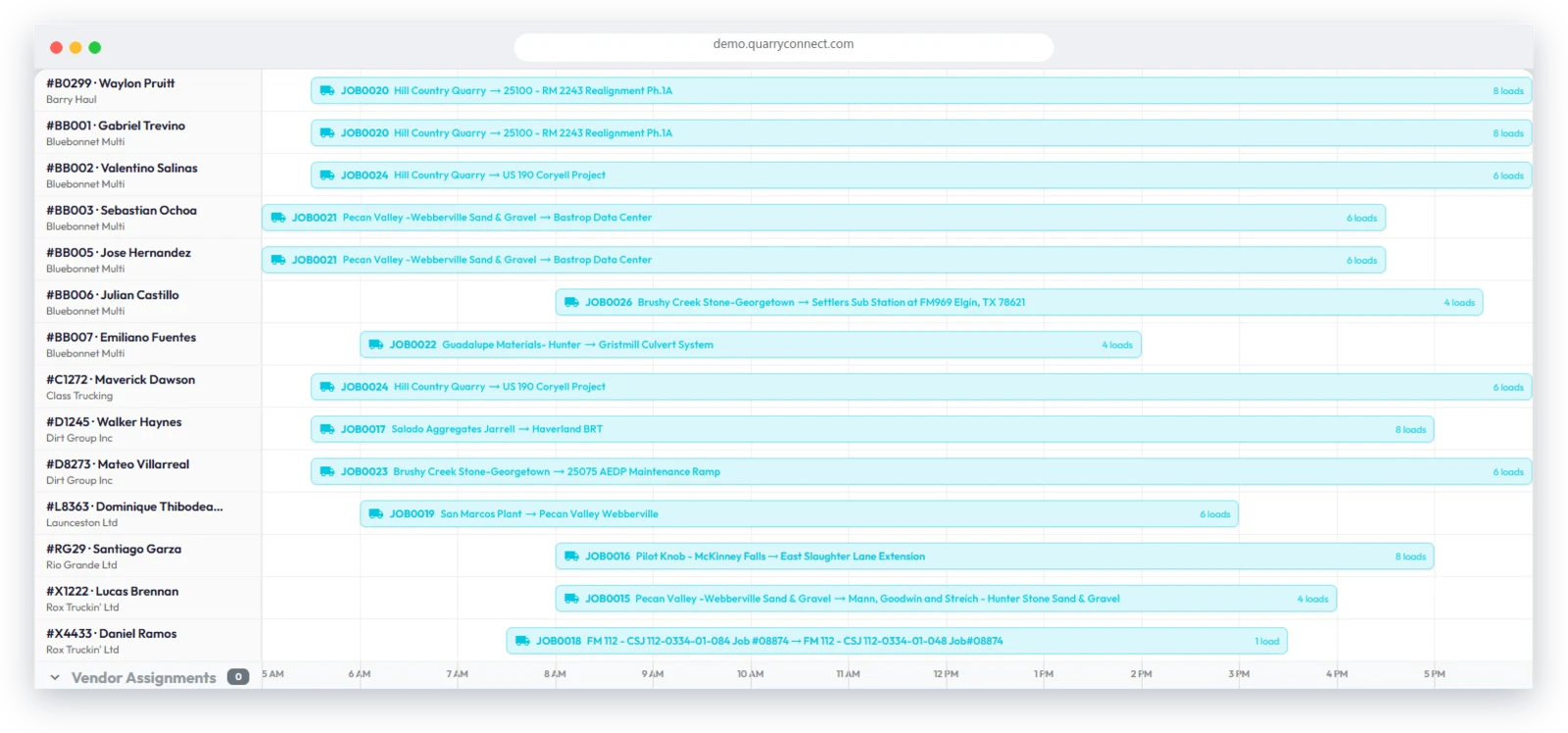
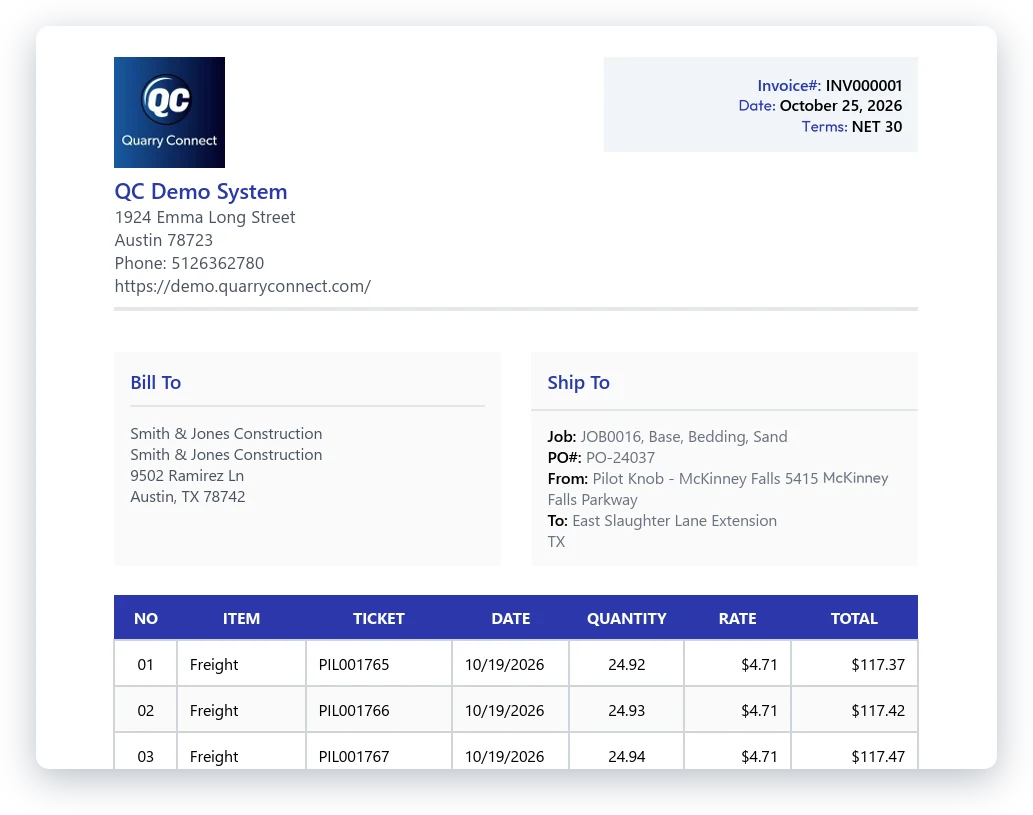
Once a ticket has the Customer’s Job code, Quarry Connect Software makes generating Customer invoices and Vendor bills as simple as clicking a button. Invoices and bills can be emailed as PDFs directly from the system, or Customers and Vendors can log in to the Customer Portal and Vendor Portal to view their data and download copies of ticket images. Customer payments can be imported and reconciled against invoices and tickets.
Built for volume
We designed the system to be easy to use and fast at processing large volumes of data. It supports hundreds of trucks running thousands of hauls per week.
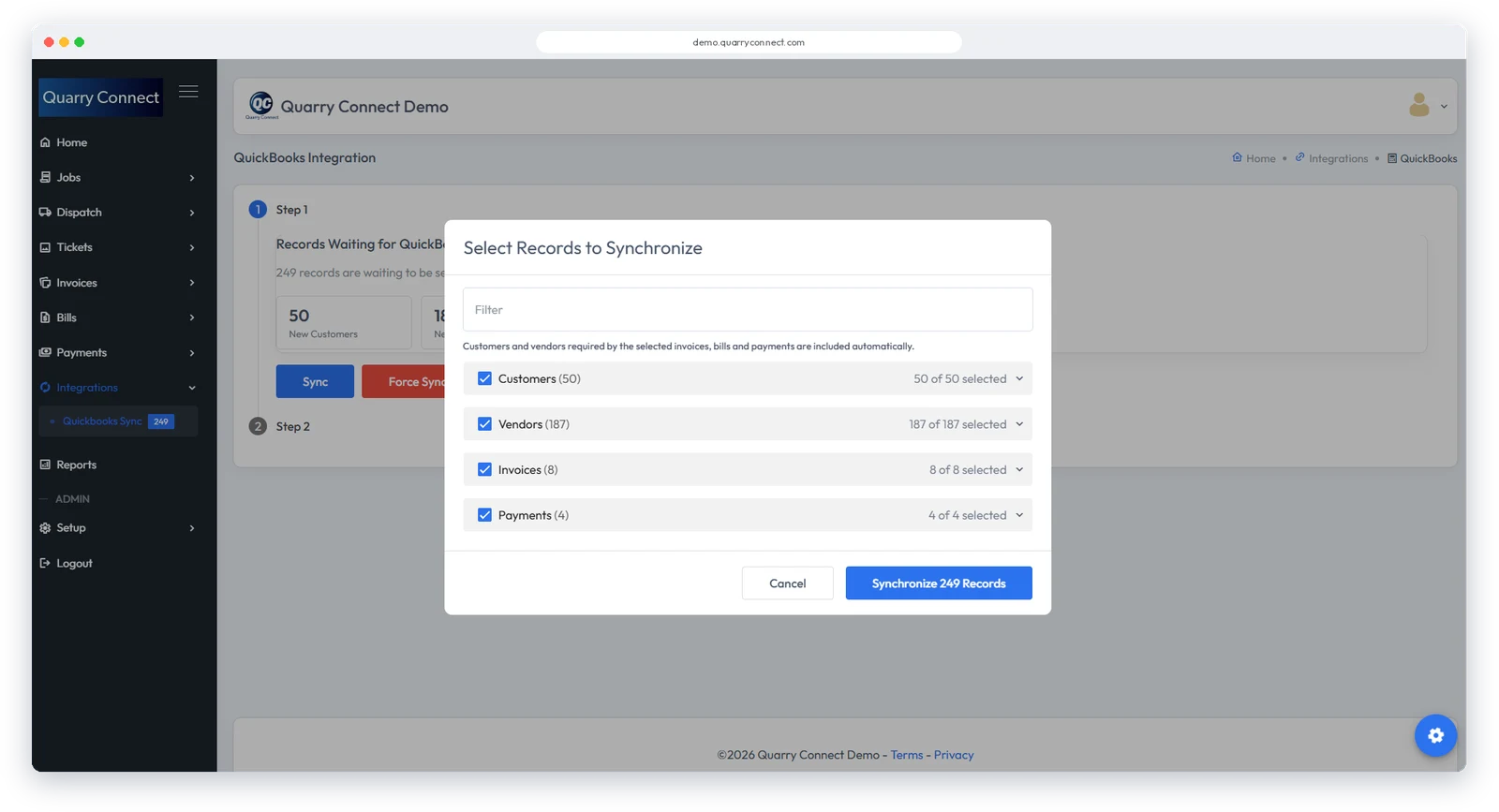
QuickBooks® Online
Quarry Connect Software connects directly to QuickBooks® Online, with an optional one-click sync for managing back-end accounting in QuickBooks® Online. Contact us about linking to a different accounting system.