



Integrations
QuickBooks® Online Sync
Quarry Connect syncs with QuickBooks® Online for Customers, Vendors, Invoices, Bills and Payments.
What Syncs
- Customers
- Vendors
- Invoices
- Bills
- Payments
How It Works
- Job code tickets, then create Customer invoices and Vendor bills in Quarry Connect.
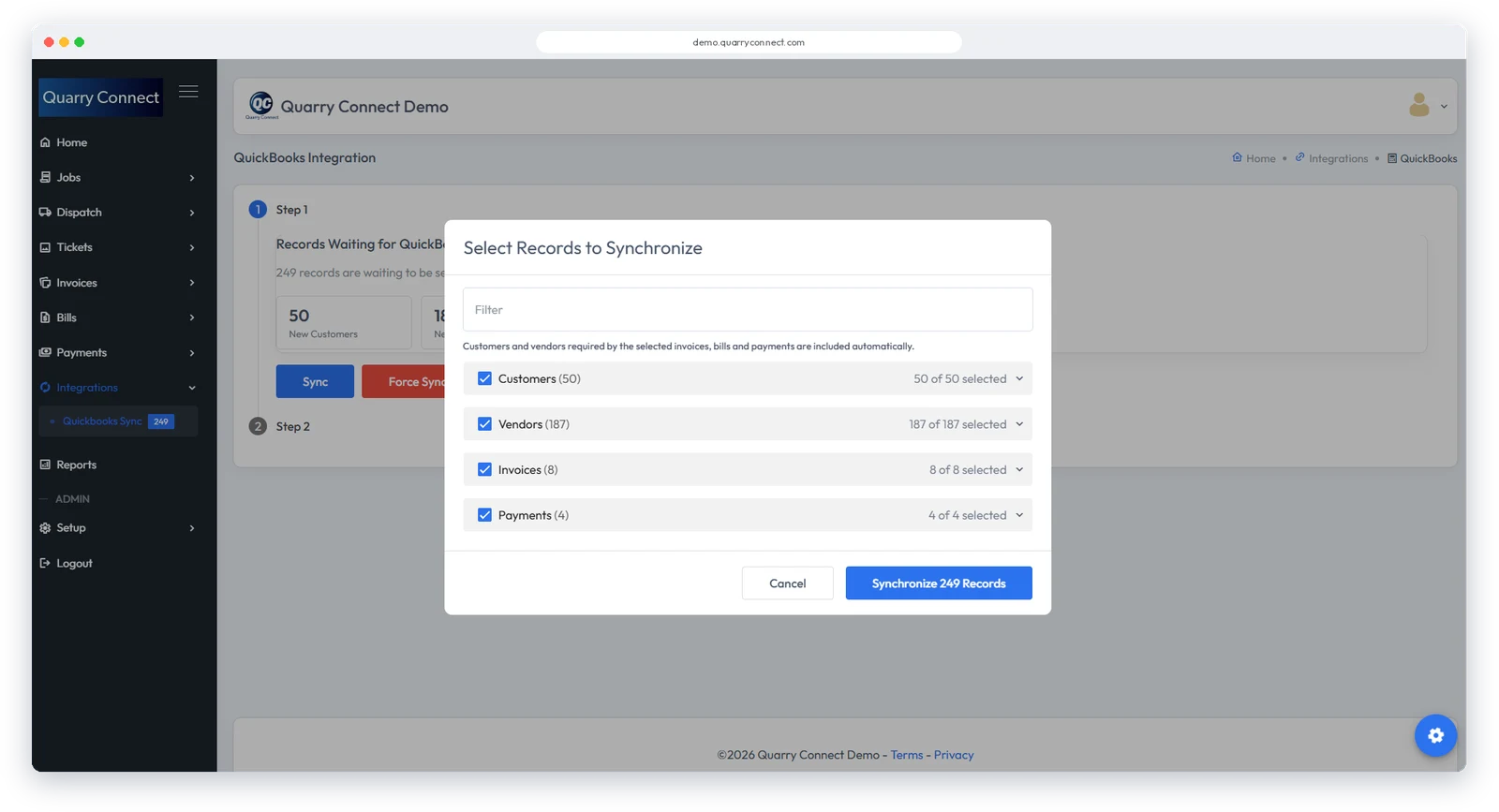
- Records waiting for QuickBooks® Online are listed on the QuickBooks® Sync page.
- Choose the records and sync them in one click. Customers and Vendors needed by the selected Invoices, Bills and Payments are included automatically.
- Manage back-end accounting in QuickBooks® Online.
Using a different accounting system? Contact us about linking to it.
QuickBooks and QuickBooks Online are registered trademarks of Intuit Inc. Quarry Connect is not affiliated with or endorsed by Intuit Inc.